Skip to Content
We earn commissions from brands listed on this site, which influences how listings are presented.
16,811 Reviews

Quickbooks Workforce Review (2026)

Top-Notch Tax Filing

Top10.com Staff
Top10.com's editorial staff is a professional team of editors and writers with dozens of years of experience covering consumer, financial and business products and services.
Read more

May 1, 2025

2 min

quickbooks-workforce
Pricing
From $22.50
Integrations
HubSpot, Amazon Business Purchases, Salesforce
Benefits & HR
Health benefits

Is Quickbooks Workforce Worth Signing Up For?

From filing all local, state, and federal taxes to sending employee paystubs and W-2’s, Quickbooks Workforce offers a comprehensive feature suite to help businesses focus their efforts. It’s a complete payroll platform that integrates with benefits and workers’ comp, so you can manage everything in one place.

QuickBooks Workforce Pros & Cons

Pros

Flexible payment schedules
Automated new hire reporting

Cons

No card payment options
Small selection of reports
quickbooks-workforce

QuickBooks Workforce at a Glance

8.8
Editorial Score

Automatic Tax Filing

Automatic payroll and filing
10.0

HR Features

Health benefits, 401(k), worker's comp and additional HR features available in premium plan
8.0

Employee Experience

Not many employee-focused features in payroll package.
6.0

Customer Service

U.S. based phone support Monday-Friday 6AM to 6 PM and Saturday 6AM to 3PM . 24/7 chat support
10.0

Trials

30-day trial
10.0

Overview

How Quickbooks Workforce Works

Features and Add-ons

Quickbooks has a leg up on the competition when you factor in its simplified pricing model and all-inclusive features. There’s no additional buy-in required from premium services compared to competitor payroll solutions, and the laundry list of features is a mile long.

Payroll services with Quickbooks includes (but isn’t limited to):

  • Automated new-hire reporting
  • Employee portal for easy personal updates
  • Automatic tax processing
  • Automated payroll processing (run payroll on autopilot)
  • Unlimited payroll runs (you don’t pay per run)
  • Detailed payroll reporting
  • Flexible schedule with employees paid on different schedules based on your classification
  • Simple collaboration tools so bookkeepers can work more closely with accounting and other team members
  • Pre-tax benefits including HAS, FSA, IRA and 401(k) processing
  • Mobile accessibility

Tax Compliance

Quickbooks offers an impressive approach to tax filing, providing accurate and automatic deductions and filing of all payroll taxes. The platform automatically calculates, pays and files all of your local, state, and federal payroll taxes. There’s no additional cost—it’s completely done for you. Along with that is an accuracy guarantee so you never have to worry about fines from improper calculations.

Payment Options

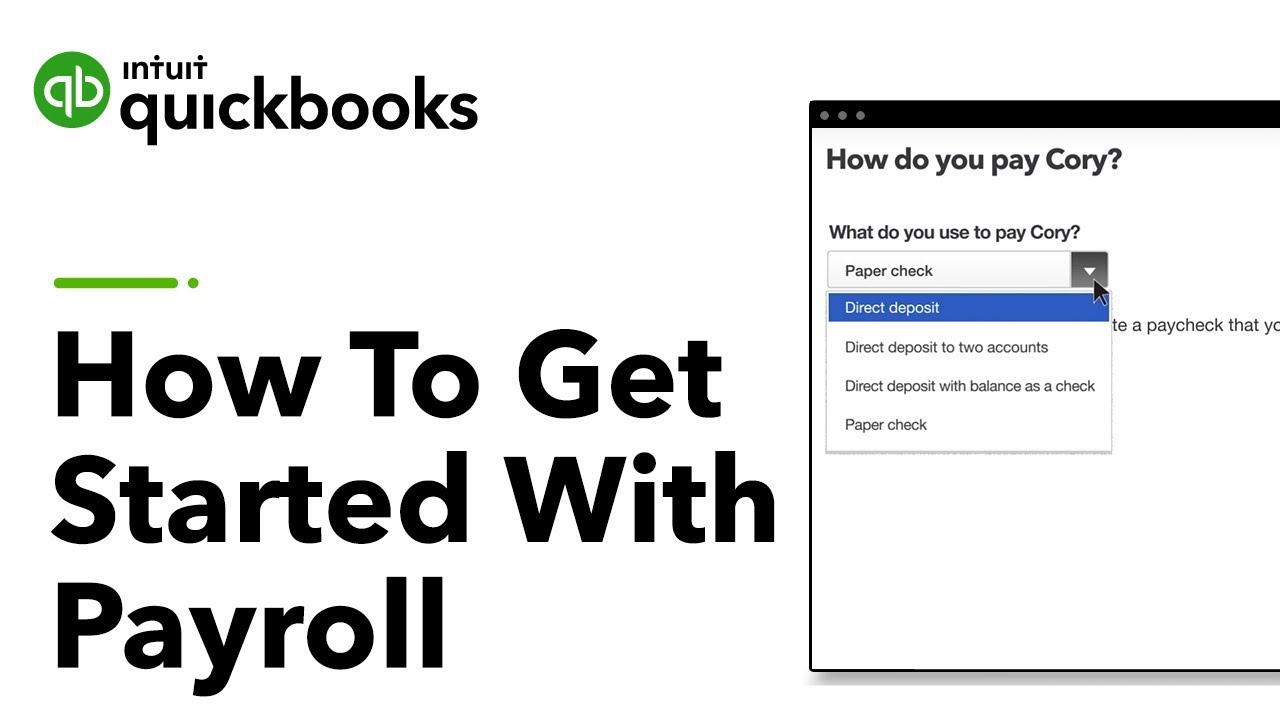
Getting employees paid is easy, with free direct deposit for employees and the ability to print checks on site when payday comes. Processing payroll happens quickly so getting payments to your employees is never a stalled process that takes several days with other payroll providers.

Unfortunately, Quickbooks doesn’t offer payments through card services like prepaid cards.

Quickbooks Workforce App

Payroll is a complex set of data and tasks but Quickbooks simplifies the entire process with a visual appeal that is intuitive and easy to use. That applies not only to the administrative portal but the employee portal as well. The only downside is that there are fewer reports to be accessed on the backend compared to other payroll services which can be a usability limitation for data minded administrators.

Quickbooks Workforce Pricing

Pricing & Special Offers

Quickbooks has a simple pricing model that you can adjust on a sliding scale on the website to see how much the service will cost you. It’s always a base price of $39 per month plus an additional $6 per employee.

The per employee price is a bit higher than others, as competitors tend to charge closer to $2-3 per employee however Quickbooks bundles a lot more features into the service making it a fair trade off.

Workforce Payroll

Workforce Premium

Workforce Elite

Monthly price

$6/user + $39/month

$12/user + $39/month

$12/user + $149/month

Tax filings and payments

Payroll reports

E-sign custom documents

HR Compliance help

*Prices last updated June 2018

There is a free trial in place, giving you the opportunity to try the service before making a commitment.

Bottom Line

Quickbooks has a lot of competition on the market but the simplified pricing and rich feature set makes it pretty evenly matched with some of the biggest names in payroll processing, even just a bit ahead. You would be hard pressed to find this many features at a more reasonable price.

How do I know I can trust this review?

Top10.com authors, contributors, and editors are serious about research. We combine our own experience with the services we recommend, with reviews that come from verified users–just like you! Together, with reviews from industry experts, we find the Top 10 best products and services to make sure you can choose with confidence and ease.

Top10.com Staff

Top10.com's editorial staff is a professional team of editors and writers with dozens of years of experience covering consumer, financial and business products and services.

Editorial Reviews
Gusto
Gusto
Read Review
Read All Reviews
Must Reads
When's the Last Day to File Taxes? Key Dates, Deadlines, and Definitions
Jul 14, 2026
Understanding Payroll Taxes and How They Get Paid
Jul 14, 2026
Small Business Payroll: Navigating Tax Challenges and IRS Compliance
Jul 14, 2026
See all articles
Trustpilot reviews
See what some customers are saying about QuickBooks Workforce
Great • reviews 16,811
on
Excellent
80%
Great
7%
Average
1%
Poor
2%
Bad
10%
MP
MRS HELEN PAYNE
5 days ago
over 20 years
i have been a quick books customer for many years and although i prefer the old system the new is the one that i am getting used to
KF
Katherine Franklin
7 days ago
Easy to start up
I found the set up session was excellent and I feel confident that I will be able to use quick books to organise my finances
Lu
Luyang
1 week ago
I had an excellent onboarding…
I had an excellent onboarding experience with Valery from the QuickBooks Customer Success Expert team. She provided professional financial guidance, explained the key features of QuickBooks clearly, and answered all of my questions with patience and expertise. Valery made the setup process straightforward and gave me the confidence to start managing my business finances using QuickBooks. Thank you, Valery, for your outstanding customer service and professionalism. You are a real credit to the QuickBooks team!
ZS
Zoe Shaw
2 weeks ago
The World Needs More Cassandras!
The support you get from QB is top-tier. If the query can't be answered through AI / Help functionality, instead of sending me through a loop, they quickly identify if I would benefit from speaking to a person - I didn't need to ask. They advised me I would wait less than a minute - and they were right! When Cassandra came on call to speak with me, she listened carefully to my issue and then guided me to share my screen with her. This is invaluable as it helped her direct me to the steps I needed to take to resolve the issue, and ensured I didn't take any missteps. Due to this, resolution of the issue was quick and easy. Cassandra was an excellent role model for customer engagement. She was friendly, professional and engaging in a way that made a 'transactional' call into the highlight of my day!
1
2
3
...
25