




How the Right Password Manager Can Make Your Life Easier
Feb 20, 2023
Everything You Need to Know About Cybersecurity
Feb 20, 2023
What to Consider When Choosing Cyber Security Software
Feb 20, 2023
Features
Ease of Use
Reliability
Value
Money Back
Whether you’re a web browser that doesn’t want cybercriminals getting access to your credit card details or a business owner that wants to make sure that all your business credentials are shared among staff but guarded with industry-leading encryption, 1Password is a leading choice of password manager. Relative to its competitors, 1Password has very wide cross-platform support—there are dedicated tools for each major operating system and even a Command Line Interface (CLI) for Linux users.
1 Password has the following features to make it easier than ever to keep track of and manage a large repository of login credentials:
As one of the leading password management tools on the market, 1 Password offers the following features to users.
Users are able to recover deleted credentials for 365 days after deletion. Therefore, users needn't worry about losing critical logins by accidentally deleting them—they will always be able to recover a copy.
With 1Password, users needn’t worry about the size of the vault they are storing. There is no limit to how many credentials can be saved—including secure notes—although there is a 1GB limit on document storage.
If there’s one thing the cybercrooks hate, it’s a login that is protected by two factor authentication (2FA). 2FA makes it very difficult to hack a login as users have to enter an additional One Time Password (OTP) in addition to the main access credential. Because users’ password vaults are especially vulnerable repositories of information, it’s vital that these be properly secured.
Business users are able to subscribe to two plans made just for business. Enterprise users can avail of the Enterprise Plan which gives them a dedicated account manager and an onboarding engineer. All these plans allow users to share credentials internally with individual colleagues or with work groups.
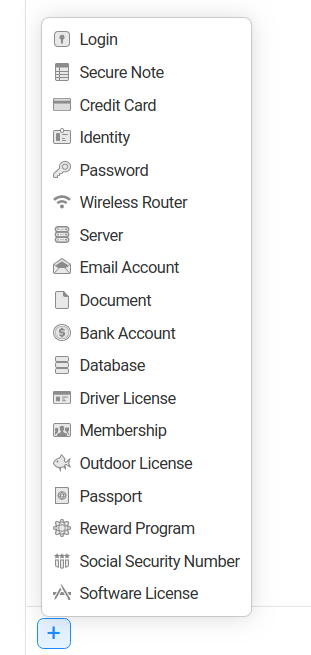
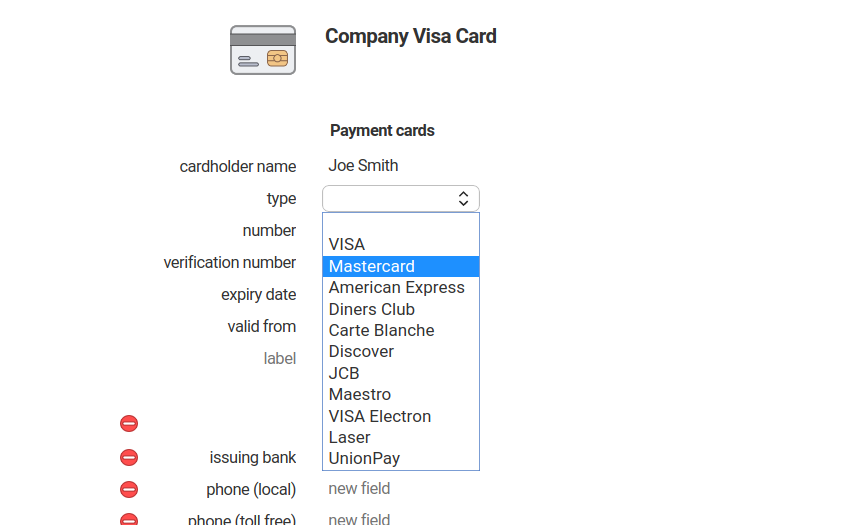
1 Password has pre-formatted templates ready to go at the click of a button for all the most common credential types. These include secure notes, credit cards, SMTP server details, and email accounts. All users have to do is fill in the details.
Within the enterprise environment simple password management might not be enough for the auditors. That’s why 1 Password Business features detail audit logging and granular access control. Every internal password share and credential upload logged in the platform making it easy to prevent credential-leaking fraud and keep careful track of which team members have access to which functionalities. Administrative users can also create policies surrounding the minimum strength of passwords that can be used—and 1 Password will ensure that ever credential must meet that standard in order to be saved. Additionally, firewall rules can be created that allow or prevent sign-ins to business apps from certain IP addresses.
1 Password is not a difficult tool to set up. For end users all that is required is to download one of the company’s apps and to create an account. Once an account is set up, if it is part of a 1 Password Team or 1 Password Business organization then it will be able to access all credentials that have been shared with it. Administrative users can create and modify policies and user permissions through the cloud hosted database. Enterprise users can avail themselves of the services of a specialized onboarding engineer.
Thanks to its sophisticated algorithms, 1 Password is able to reliably judge the strength of passwords being used and warn against any password that is weak and liable to make the account vulnerable to being hacked.
1 password is available at the following rates:
Personal and family users:
| 1 Password Personal | 1 Password Families |
|---|---|
| $2.99 per month (when billed annually) | $4.99 per month (when billed annually) |
The personal plan features unlimited passwords and 1GB of cloud document storage. Families can invite up to 5 guests for credential sharing and recover one another’s accounts if one becomes locked out.
For those that want to use the product as a group or in the business environment, there are three plans to choose from.
| Teams | Business | Enterprise |
|---|---|---|
| $3.99 per user per month | $7.99 per user per month | By custom quote |
1Password Teams features the ability to share credentials among a team and access to 24/7 support. Those that upgrade to Business or Enterprise receive special VIP tier support, granular controls for credential policy setting, logging, and auditing, and custom security controls.
1 Password is a very competitively priced solution — particularly for teams and families who can use one subscription for multiple devices. Relative to the devastating cost of a data breach, we think that the tool offers great value for money.
Run into a password-protecting pandemonium? There’s no need to fear thanks to 1 Password’s world class support resources.
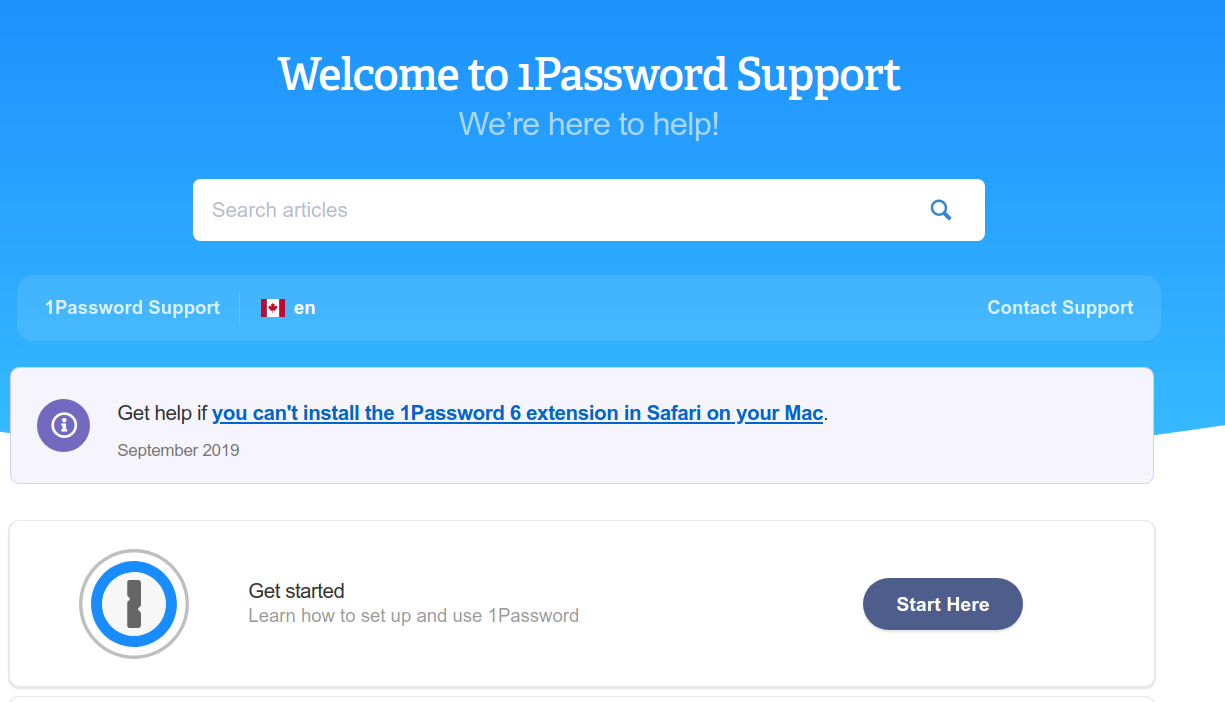
The knowledge base is a veritable encyclopedia of information about password management. Need to know what to do if you can’t install the Safari extension? The troubleshooter has the answer. Additionally, there’s a community support forum which allows users to help one another resolve difficulties and email ticket-based support. As if that wasn’t enough, social support is provided over Twitter. 1 Password really have all the options covered.
Whether you’re a humble web browser hoping to save a few credit card details somewhere secure or a technology magnate that needs a powerful password manager for the enterprise (complete with full auditing and password strength provisions), 1 Password is the software that can do it all. We highly recommend.
1 Password is developed and owned by AgileBit Inc. The company is based in Canada and is headed by its CEO, Jeff Shiner.
