PC Protect is fully owned and operated by Protected.net Group Limited. The company is based in the United Kingdom. It operates a number of internet security brands and describes itself as a leading provider of advanced security solutions.
PC Protect is a great antivirus and tuneup tool and the perfect choice for Windows, Mac, and Android. Unlike tools that simply focus on one aspect of PC protection, PC Protect includes a surprisingly diverse range of features including cookie tracking, history scrubbing, and junk file erasure. If you want to spend as little time as possible worrying about what product to get to protect your PC, then PC Protect is the tool for the job.
Features: Antivirus, PC speedup and optimization
Ease of Use: 2-minute setup
Reliability: Above average
Value: Half the price of some other antivirus software
Money Back Guarantee: 30-day
PC Protect includes a full array of features needed to ensure the smooth and fast operation of a PC.
On the antivirus side the product includes:
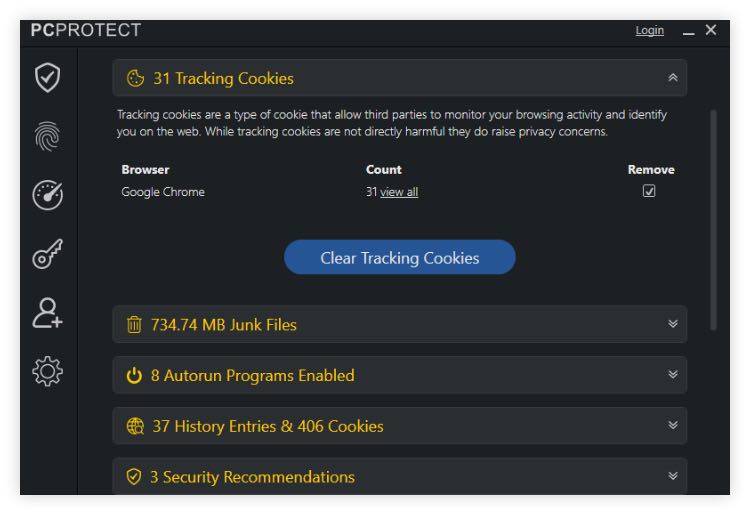
On the system optimization and cleanup side the tool has the following features to offer:

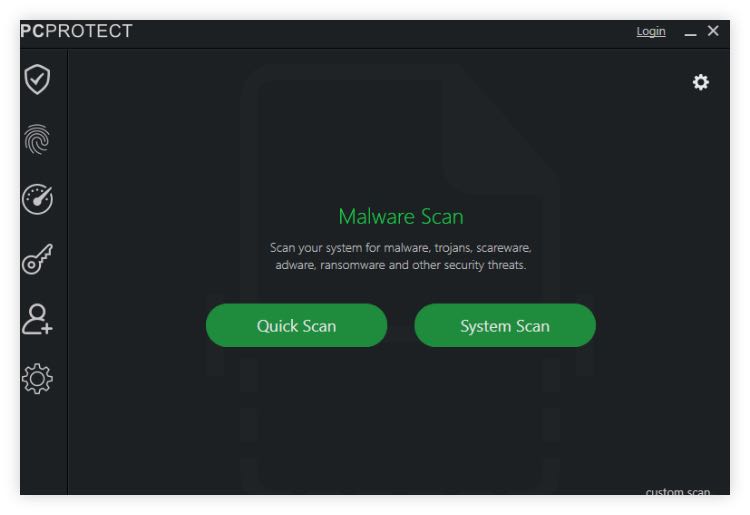
PC Protect’s core tool is its advanced antivirus and malware scanner which is capable of both detecting documented cybersecurity threats as well as zero day threats thanks to its Real Time Virus Protection system.
In addition to detecting any known viruses or malware on the system the tool also analyzes current security and permissions settings in order to proactively flag any vulnerabilities. This includes suggested scans that have not been run yet leaving parts of the system, or external volumes, unchecked.
Special scans that PC Protect can run include:
In addition to the scanning tools, PC Protect also features some internet security tools designed to keep users safe. These include:
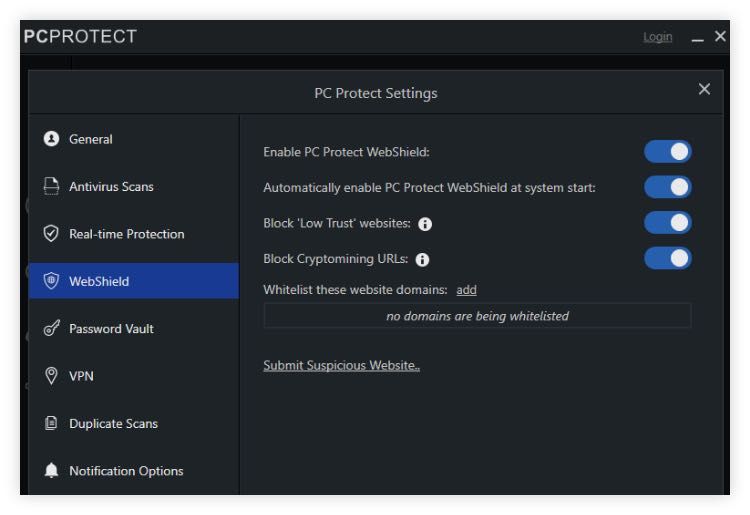
PC Protect includes a built in phishing detection engine called WebShield that automatically prevents users from accessing websites that have either appeared in its phishing database or which are detected to be phishing for users’ personal information. Users can additionally submit suspicious sites in order to help the system become more accurate.
Further configurations that can be applied include:
PC Protect will both warn against passwords stored in unsafe locations on users’ computers and provide the means to prevent that situation from ever arising. It includes a fully encrypted password vault which can itself be password protected. It can integrate with both Google Chrome and Mozilla Firefox—users simply have to install the required extensions from both browsers’ app stores.
Finally, PC Protect includes a VPN service. This is designed more as a security feature rather than for the purpose of spoofing geolocations. But users do have the ability to manually select the connection protocol and to automatically activate the VPN whenever they are detected to be connected to an unsecure WiFi network.
PC Protect is powered by Avira’s virus-fighting technology. So although we were not able to find specific benchmarks for PC Protect given the fact that it is white-labelling Avira’s software we can take assurance from the latter’s stellar reputation in the independent laboratory tests where it consistently ranks as among the top antivirus detecting engines out there. We fed the tool a selection of sample virus and malware files and it located all without difficulty.

Getting PC Protect set up is as easy as downloading the installation file from the website and allowing the installer file to run. Setup took about 2 minutes on our test Windows PC.
The user interface itself is also very easy to use and all commonly required features can be accessed from a dropdown menu on the left hand side of the program. With just one click users can initiate their first system scan and the program will automatically flag whenever other advisable scans have not been undertaken.
The online Help Center is the main port of call for all PC Protect customer issues. It includes a knowledge base and the ability to open a contact form.
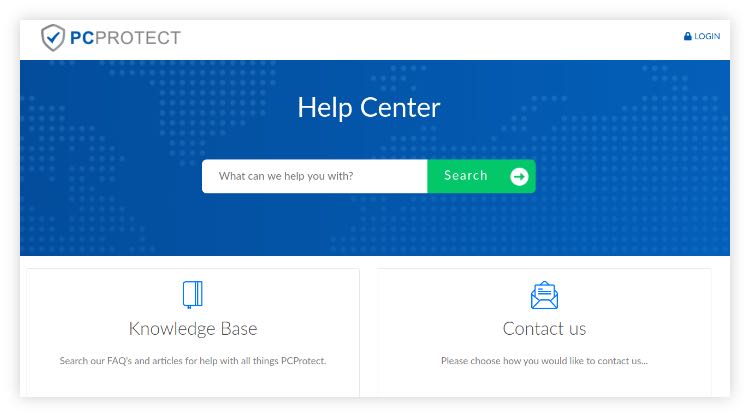
The team is very responsive via contact form and operates a ticket-based help and customer support system.
Users can opt to buy PC Protect at 3 levels: Ultimate, Pro, and Essential. The top 2 tiers include priority support and the safe password vault. But all levels include a variety of antivirus and online security products.
| Tier | Essential | Pro | Ultimate |
|---|---|---|---|
| Price | $59.95/year | $39.95/year | $24.95/year |
Features | Antivirus, internet security, priority support | Antivirus and internet security plus performance and optimization tools and password vault | Antivirus and internet security |
PC Protect could easily sell for twice the price. We think that its collection of online security and antivirus tools make it a very good purchase. This is particularly true when you look at the premium products like the password vault included in the Ultimate offering. It’s truly a cost-saving bundle.
PC Protect is a class act bundling together the trustworthy Avira real time and definition based antivirus with a fantastic suite of cleanup tools. Those that subscribe to the Ultimate tier get even more goodies to enjoy including access to a VPN and a password vault. PC Protect is the Swiss army knife of computer security tools—it’s the one small package that does it all.
Top10.com's editorial staff is a professional team of editors and writers with dozens of years of experience covering consumer, financial and business products and services.